Step 1. Connect to the USYC Portal
1
Go to the USYC Portal
Access the USYC Portal on mainnet or testnet:
- Mainnet: https://usyc.hashnote.com
- Testnet: https://usyc.dev.hashnote.com
2
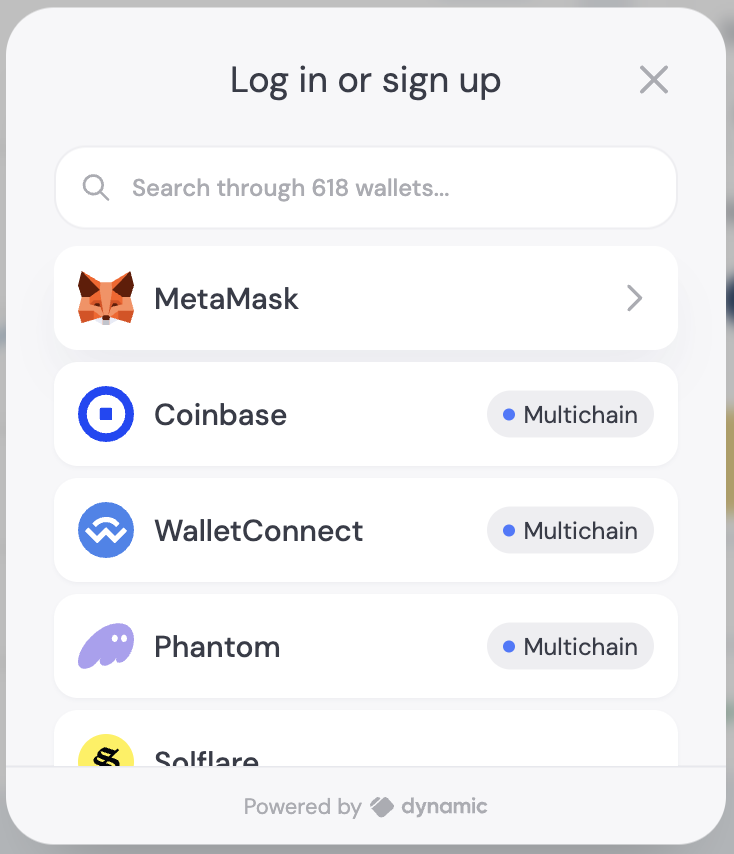
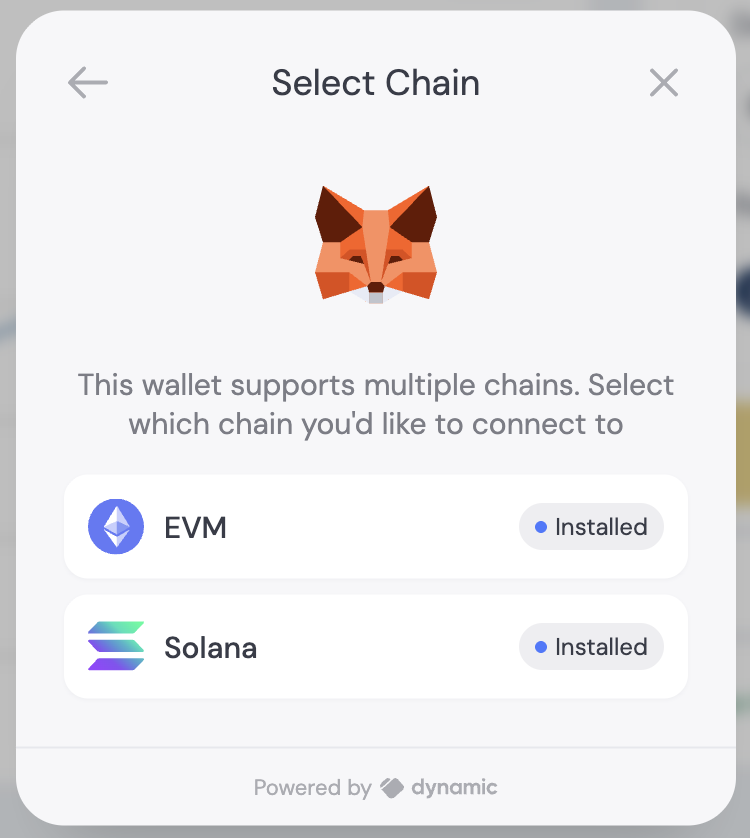
Connect your wallet
Connect your wallet and select the blockchain network where your funds are
located.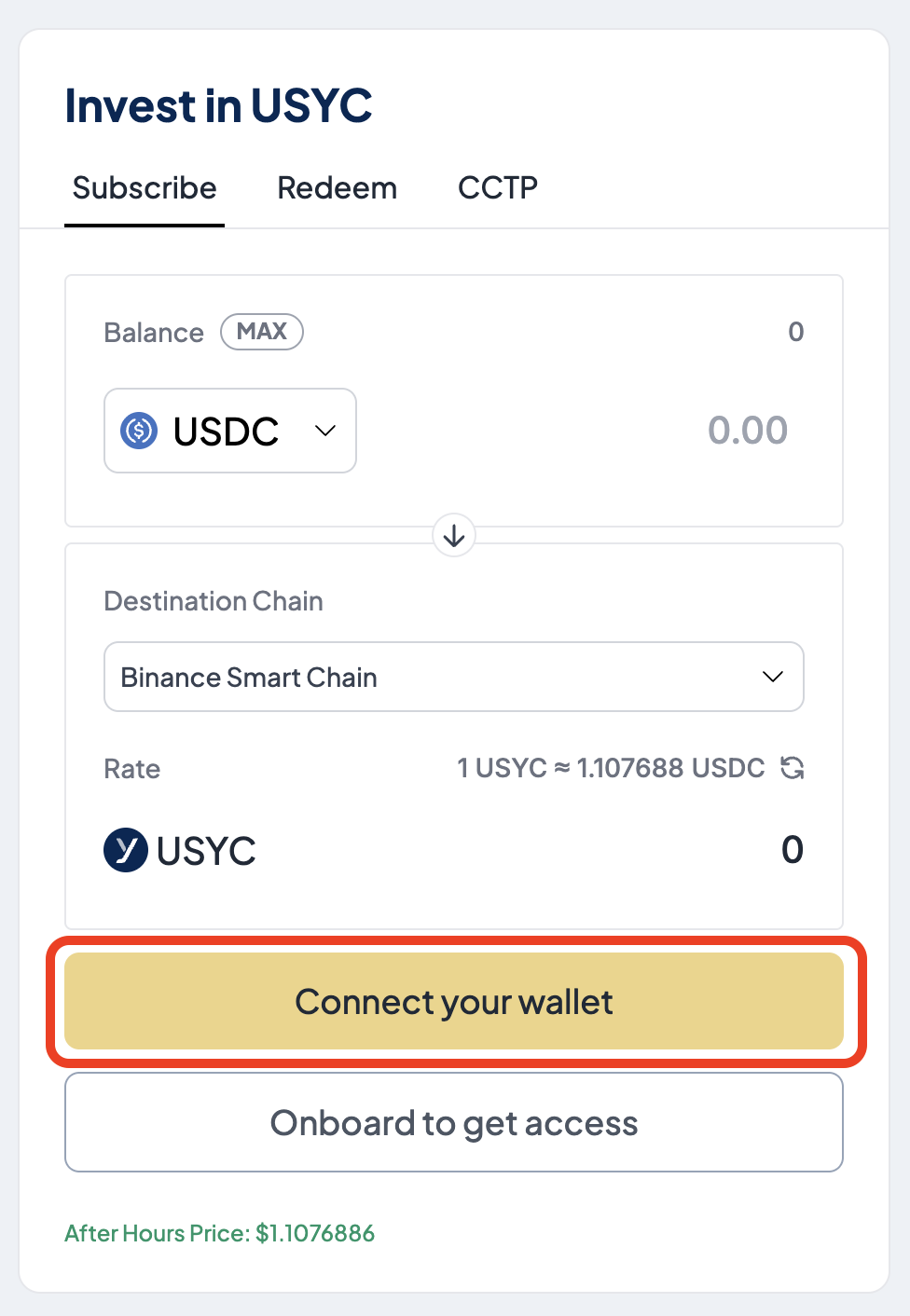
Step 2. Subscribe to USYC
1
Enter USDC amount
From the Subscribe tab and in the Balance section, enter the amount of USDC to invest.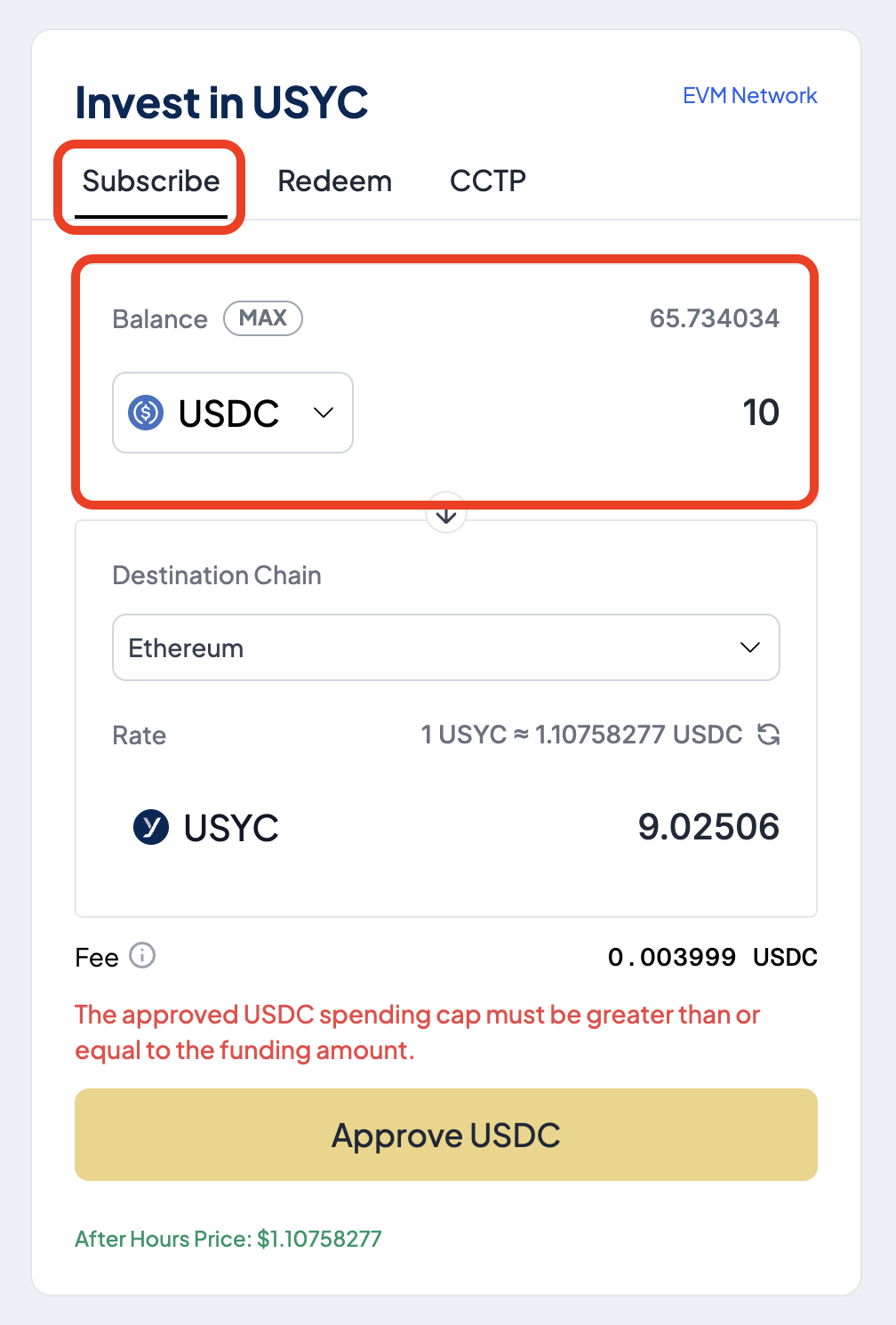
2
Specify the destination chain
In the Destination Chain section, select the blockchain where you want to receive USYC.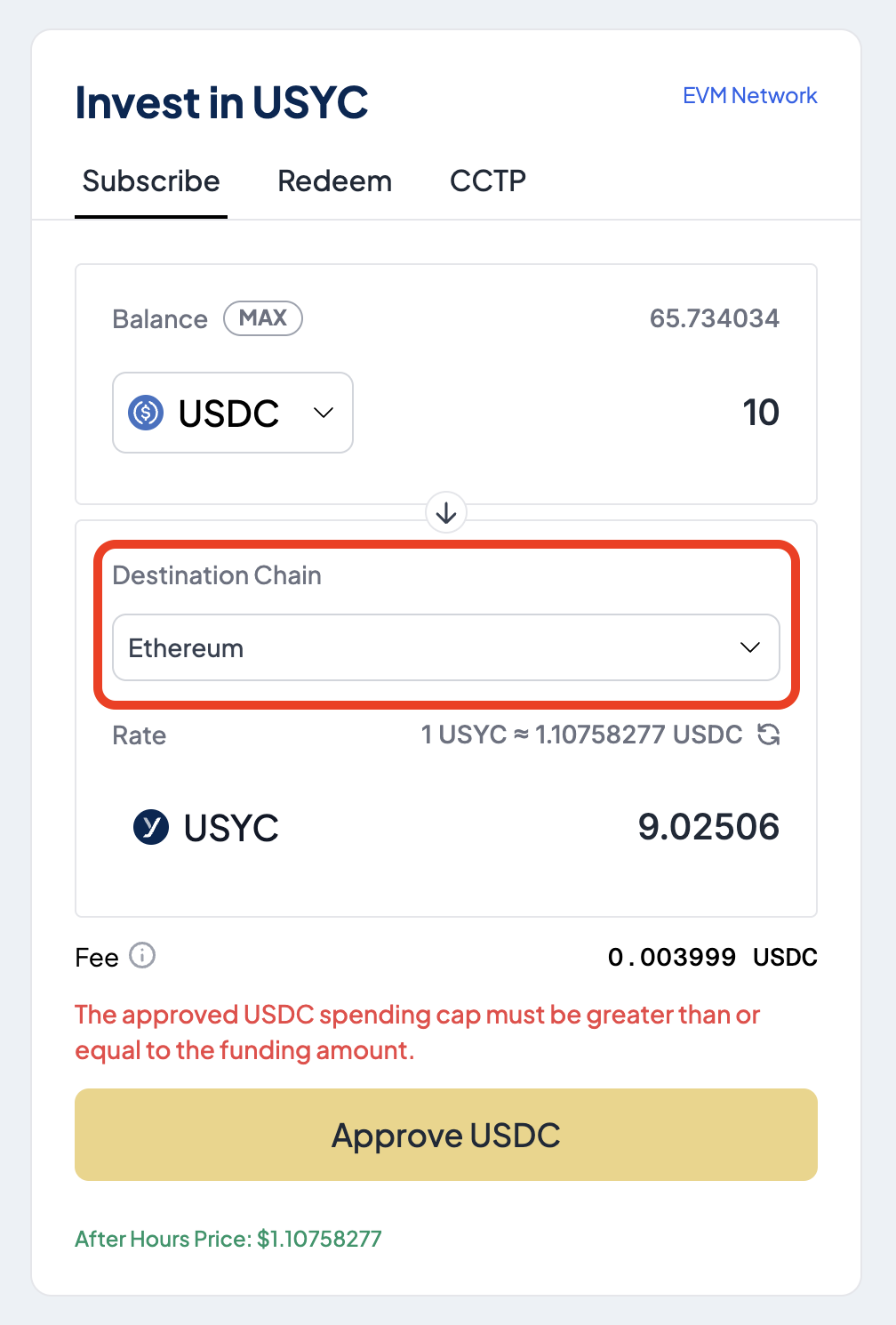
3
Approve USDC
Select Approve USDC to authorize the Teller contract to spend USDC.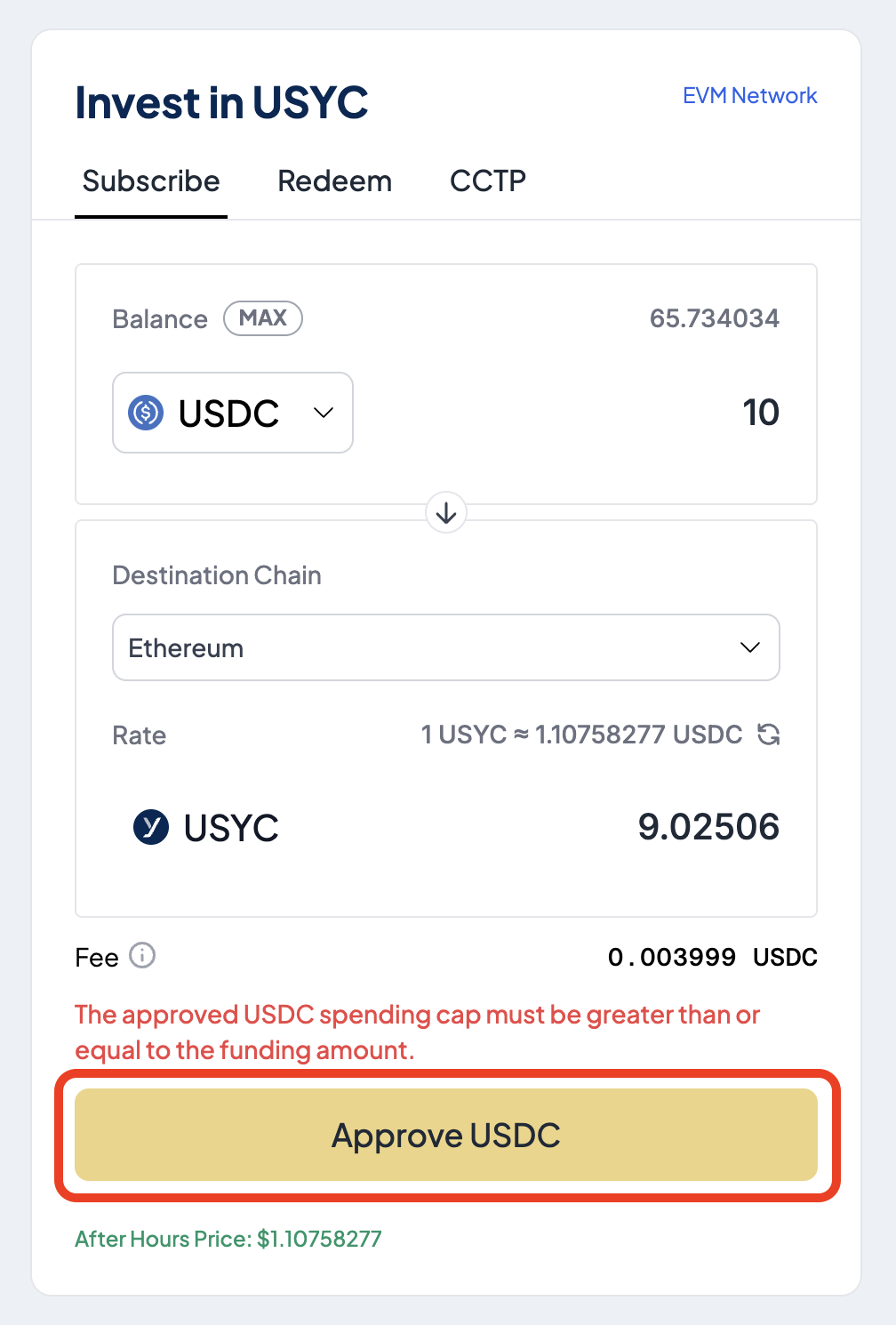
4
Mint USYC
Select Mint USYC to exchange the entered USDC amount for USYC.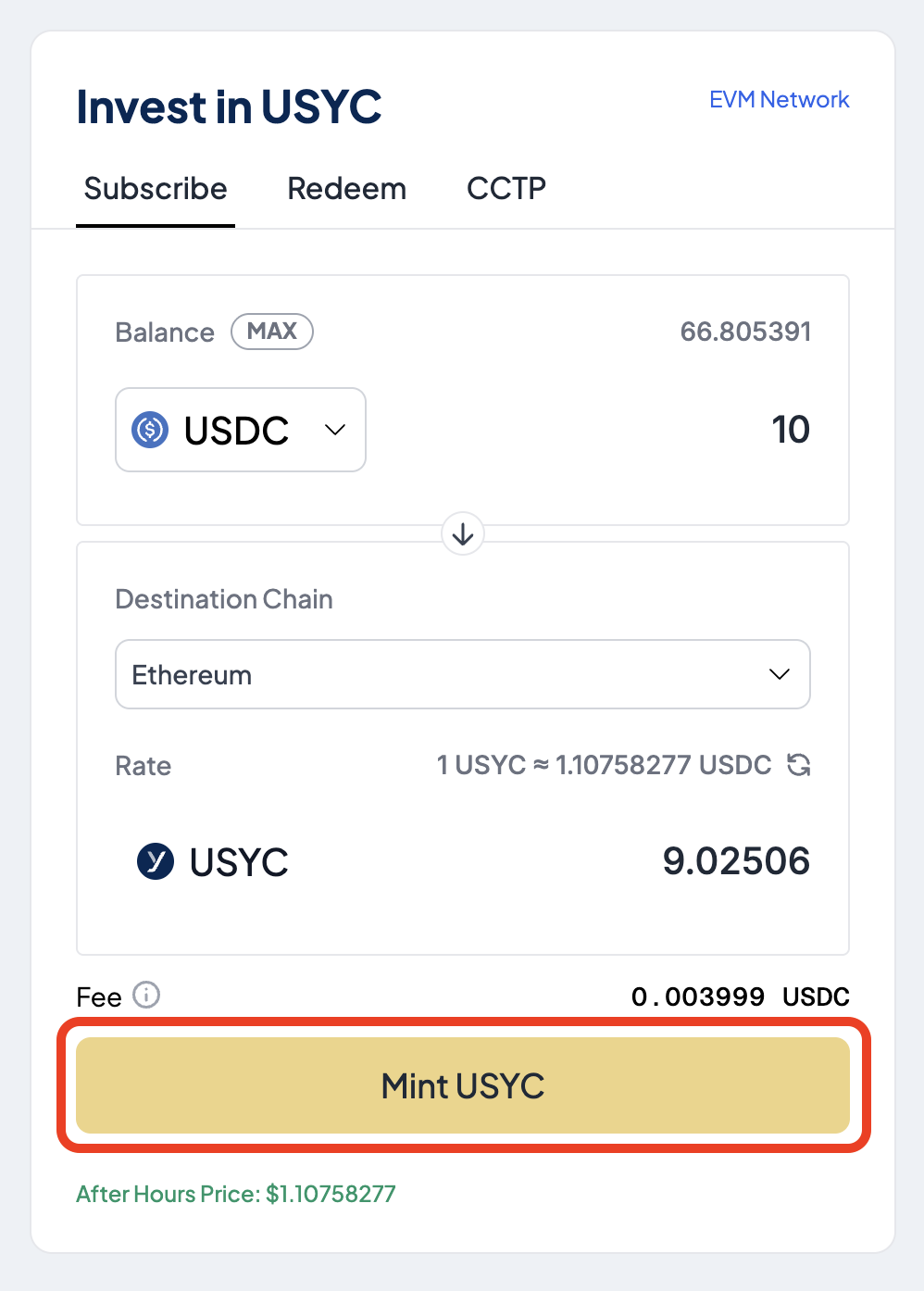
5
Await transaction confirmation
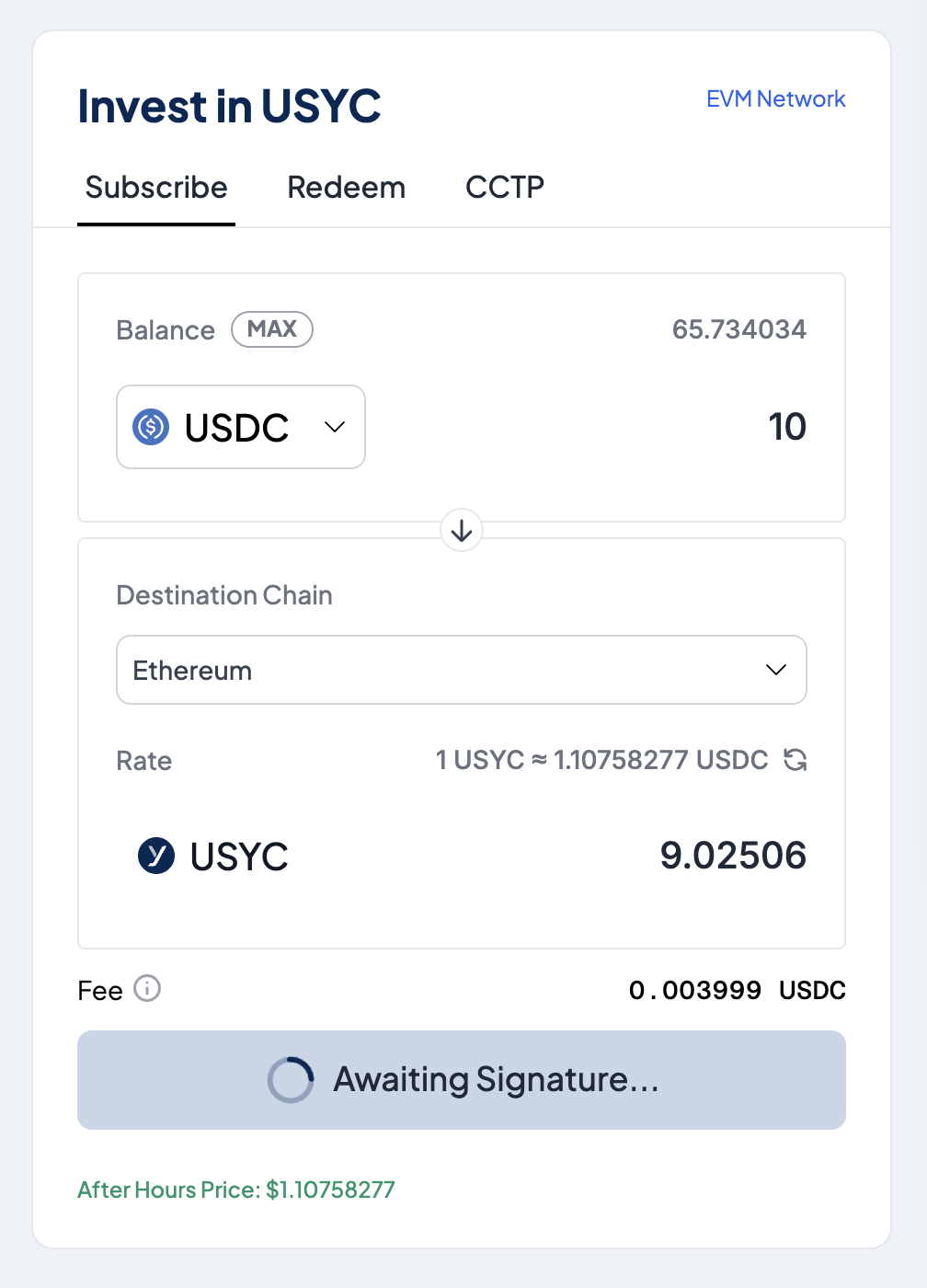
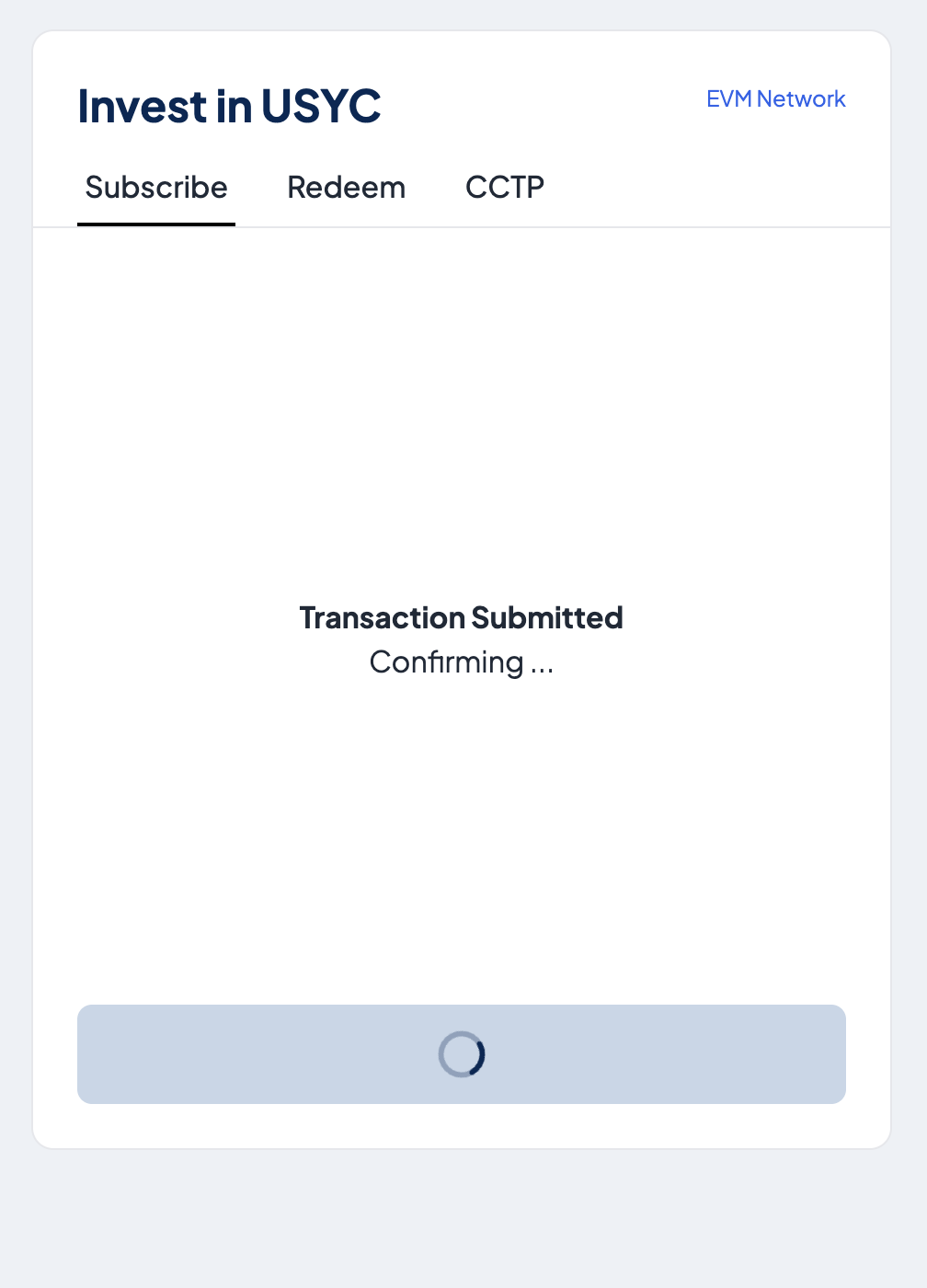
6
Confirm successful transaction
If successful, a message is displayed confirming the minting of USYC.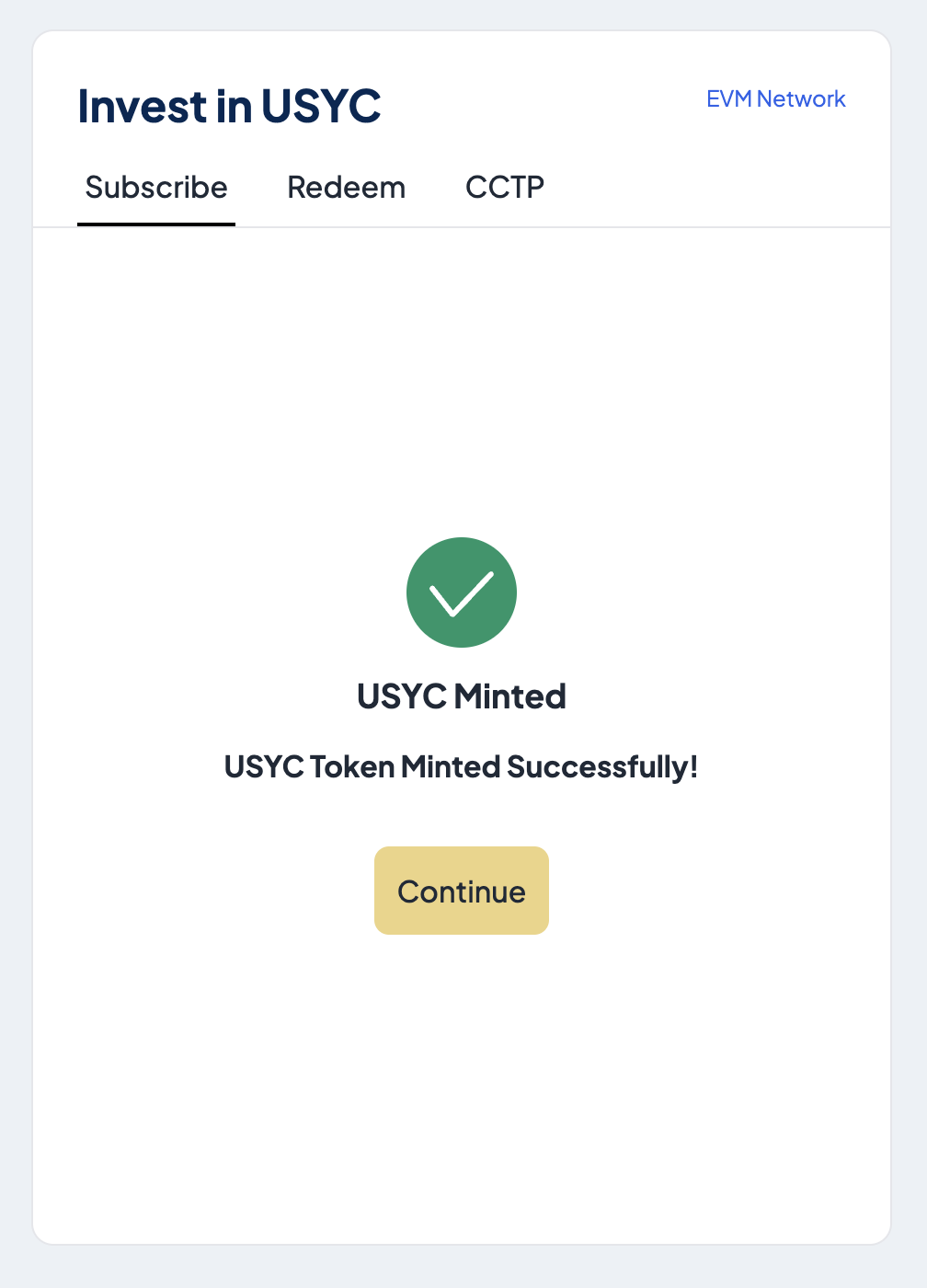
Step 3. Redeem USYC
1
Enter USYC amount
Select the Redeem tab and from the Balance section, enter the amount of USYC to redeem.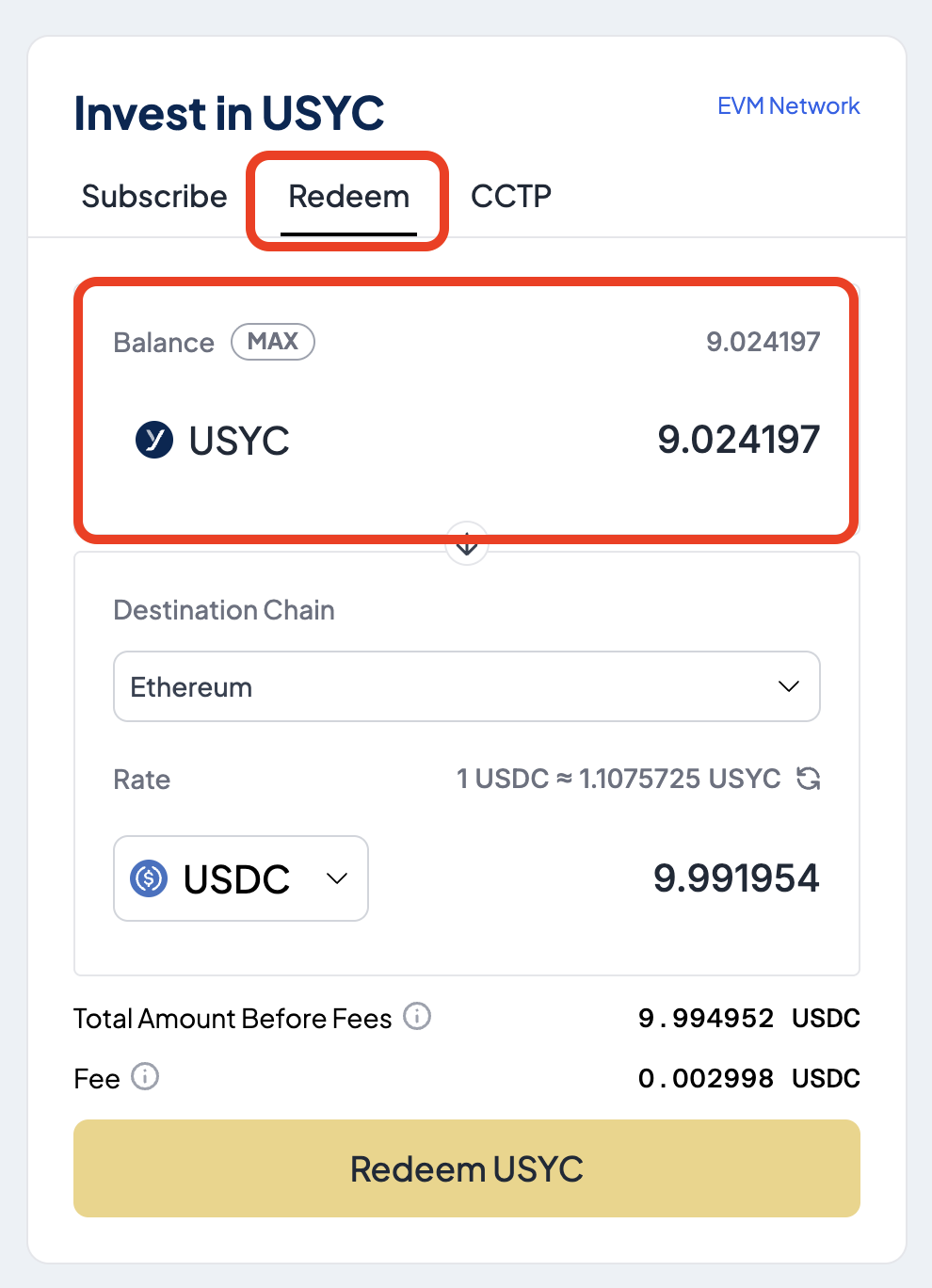
2
Specify the destination chain
In the Destination Chain section, select the blockchain where you want to receive USDC.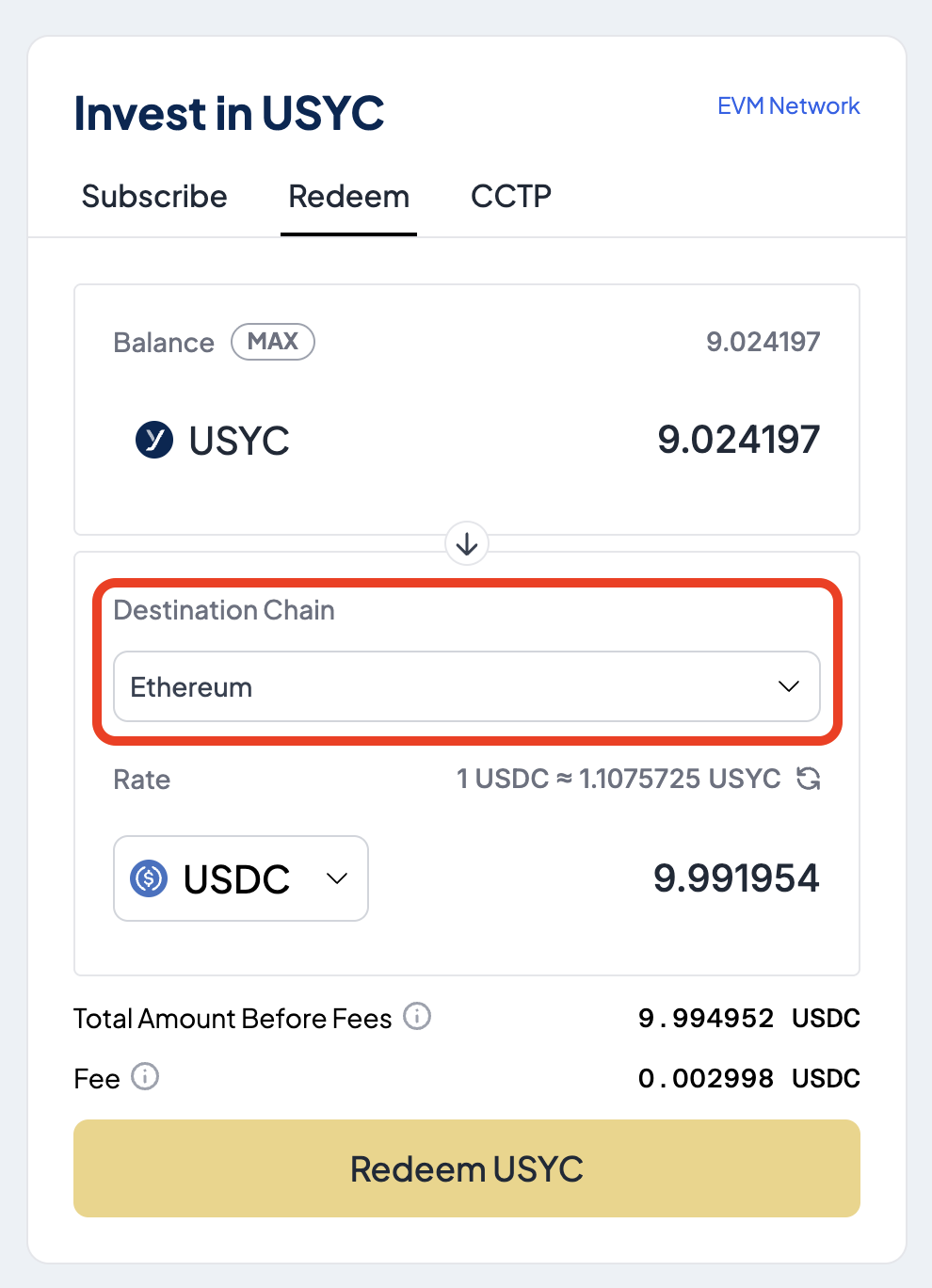
3
Redeem USYC
Select Redeem USYC to exchange USYC for USDC. Fees apply.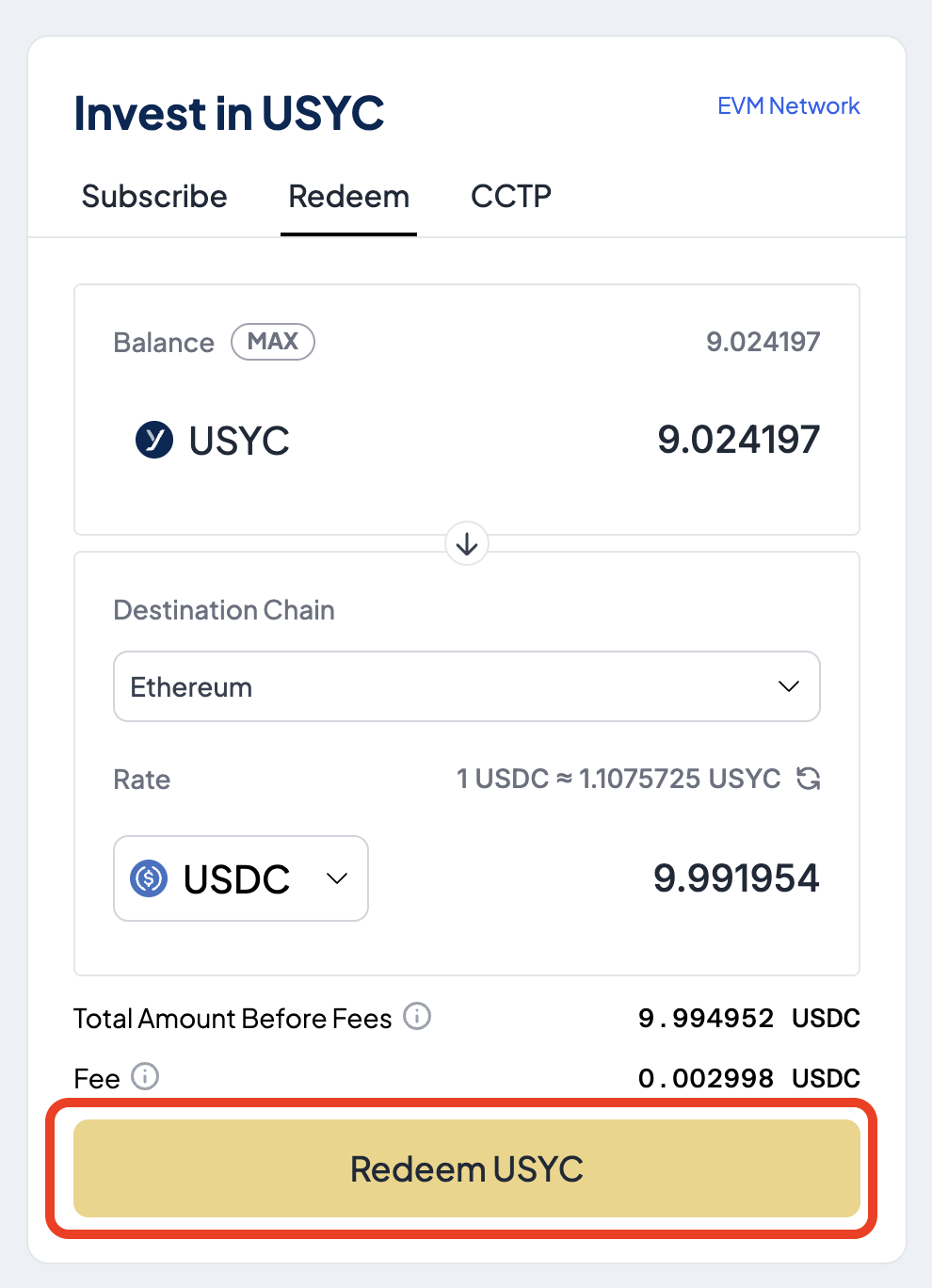
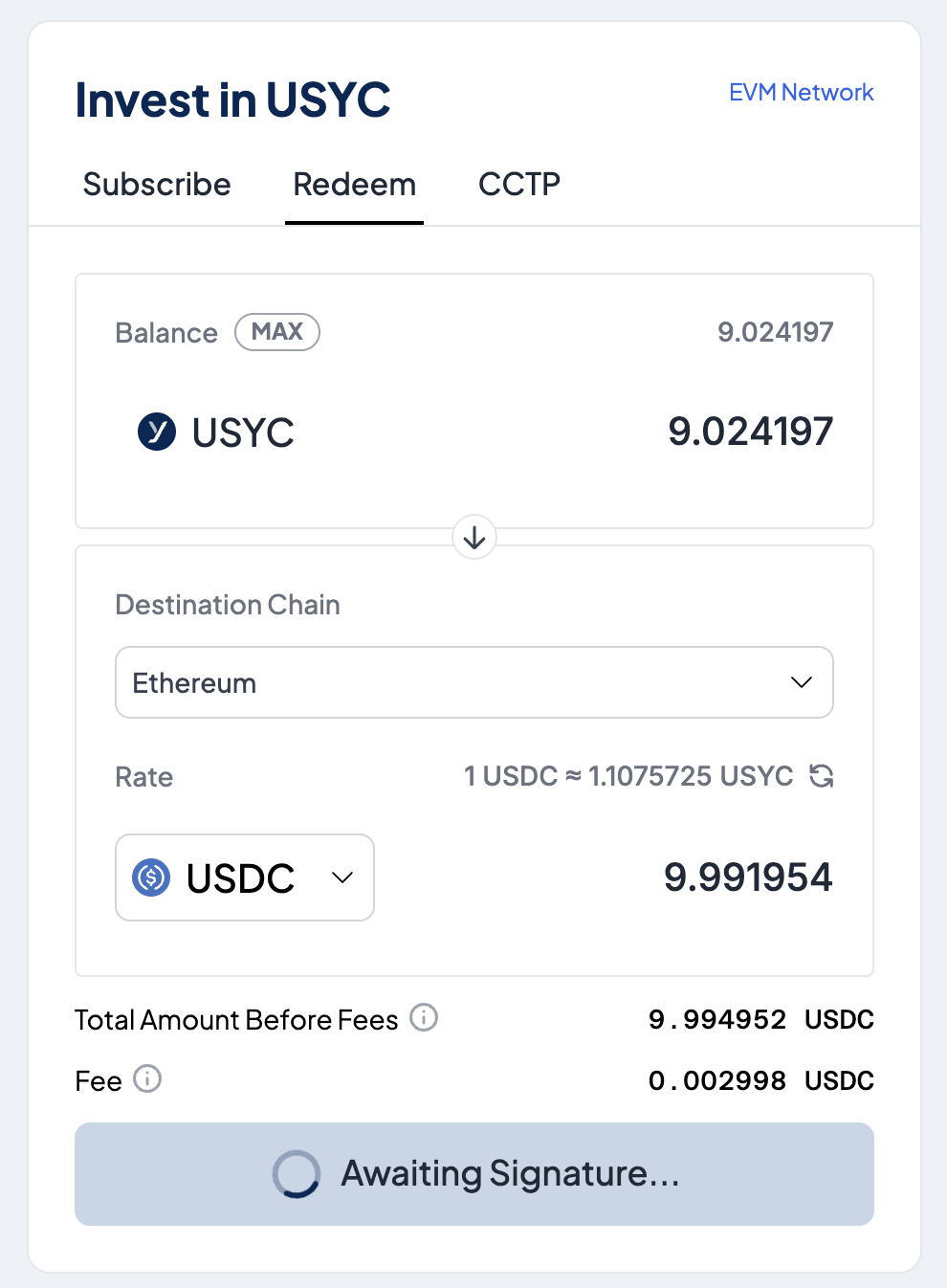
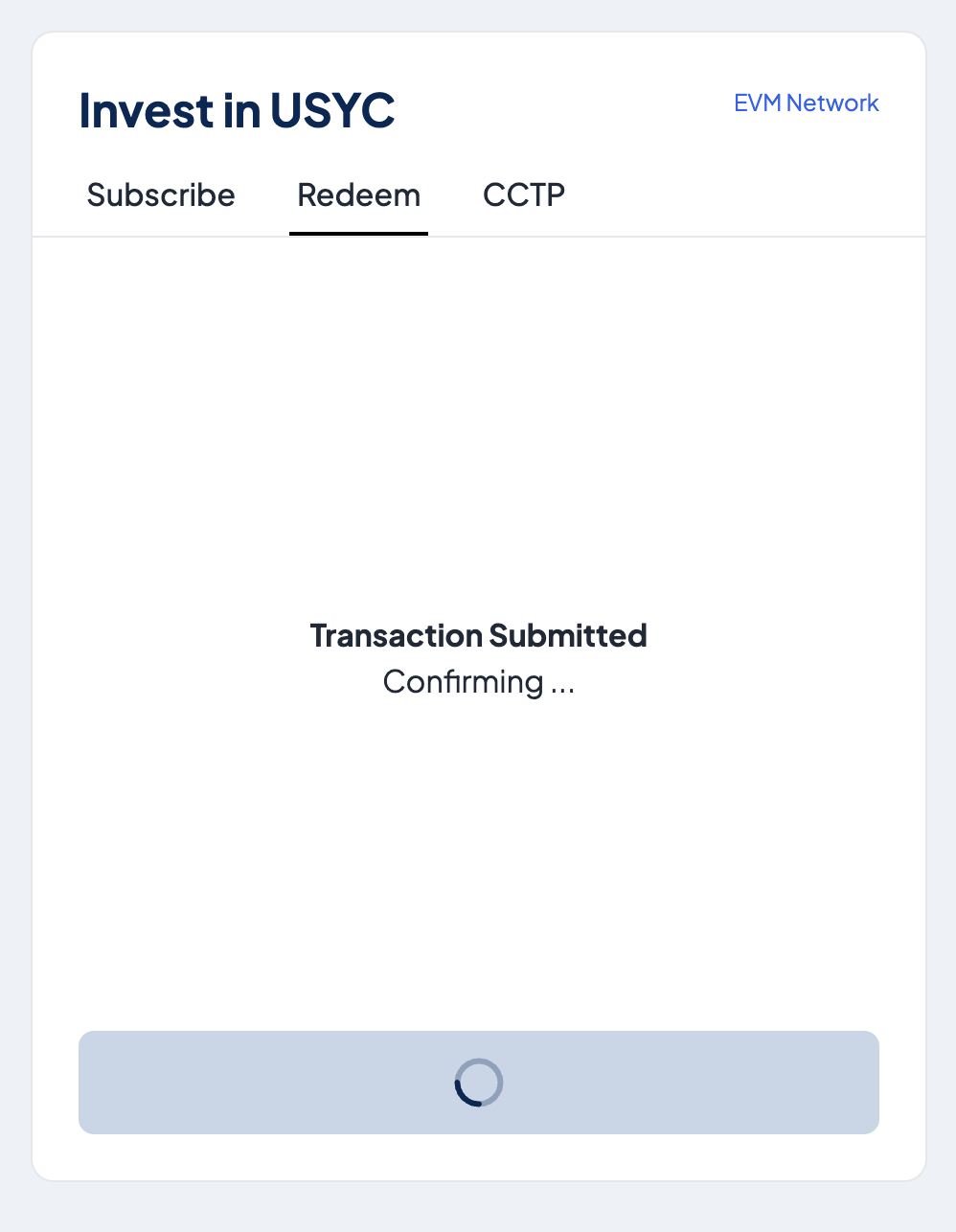
4
Await transaction confirmation
5
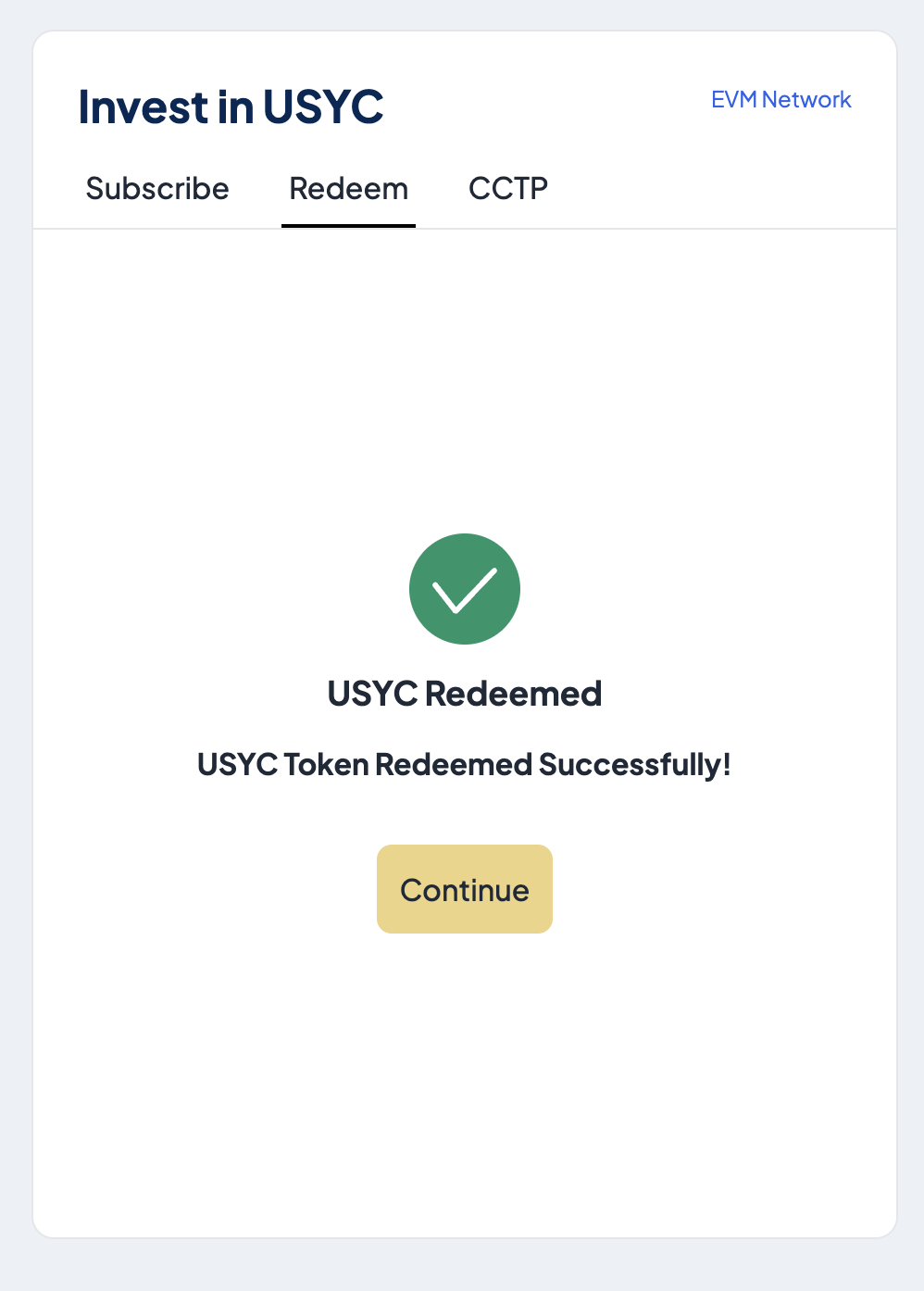
Confirm successful transaction
If successful, a message is displayed confirming the redemption.