

POST/user/transactions/transferPOST/user/transactions/contractExecutionPOST/user/sign/transactionPOST/user/sign/messagePOST/user/sign/typedData
NOTEConfirmation UIs are not available for the PIN authentication method. With PIN,
you can fully customize the transaction and signing details pages while we
provide a SDK UI for users to enter a PIN for authorization purposes. For more,
see Authentication methods.
Predefined confirmation UIs
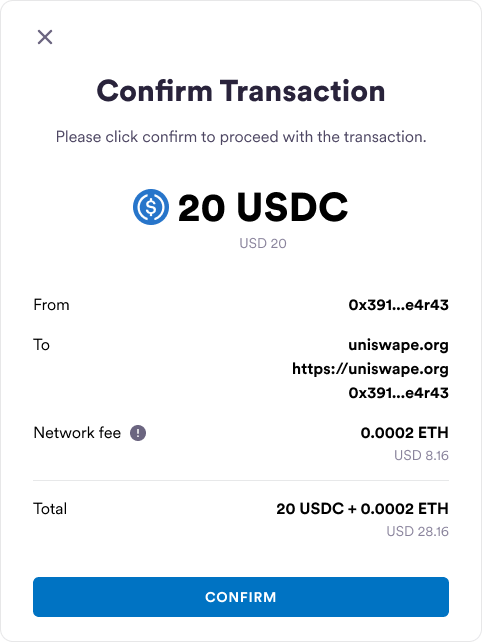
These confirmation UIs are predefined by Circle. The following example shows the UI for confirming an outbound transfer on the web app: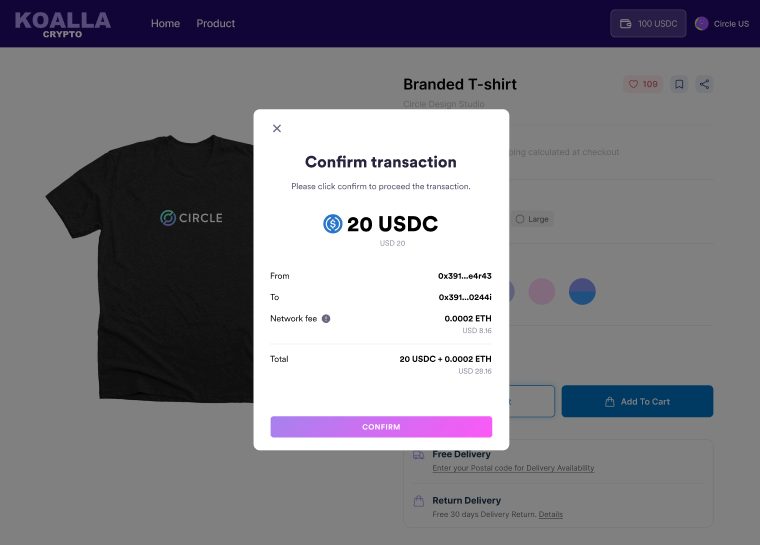
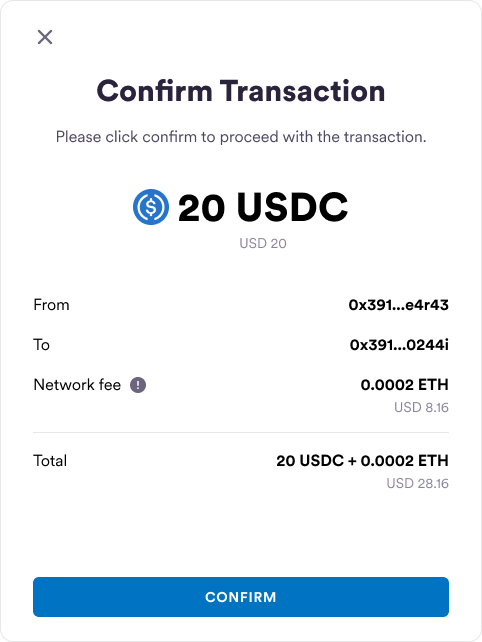
- From and To addresses: Circle masks addresses so that only the first and last five digits are displayed. You can pass a string to personalize these addresses, such as “John’s Solana wallet.”
- Fiat currency amount: This field is optional and is only displayed if configured. To configure it, you define the exchange rate to calculate the fiat currency amount, and then pass the amount to the SDK.
- Network Fee: This is an optional field and is only displayed if passed to
the SDK. You can send a
POSTrequest to the/createtransferestimatefeeor/createtransactionestimatefeeendpoints to get the estimate fee and pass the fee in the response to the SDK for display. If you offer an SCA wallet with paymaster functionalities, you can pass a string, such as “sponsored by Circle.”
Example customizations for confirmation UIs
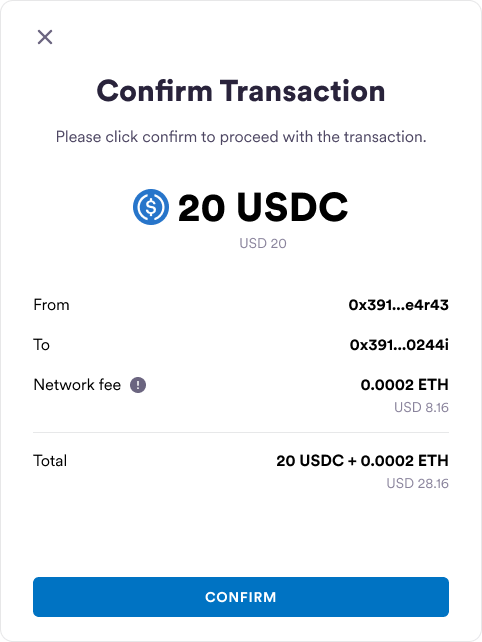
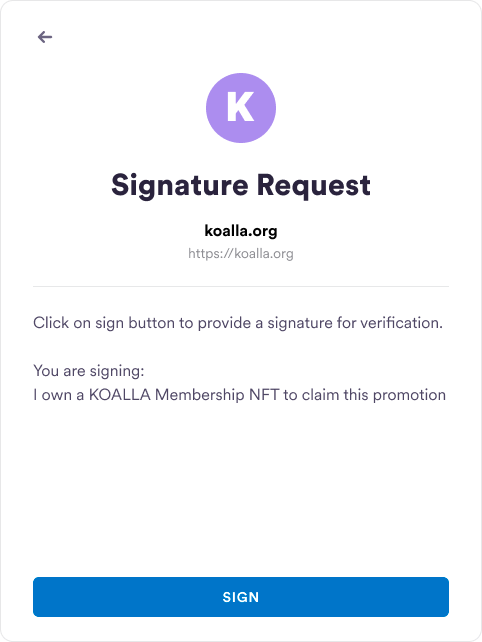
For detailed instructions on customizing UIs for web, iOS, and Android, see the following docs: Below are examples of customizations for confirmation UIs for an outbound transfer, contract execution, and sign message or typed data:Outbound Transfer
Contract Execution
Sign Message or Typed Data
Sign Transaction
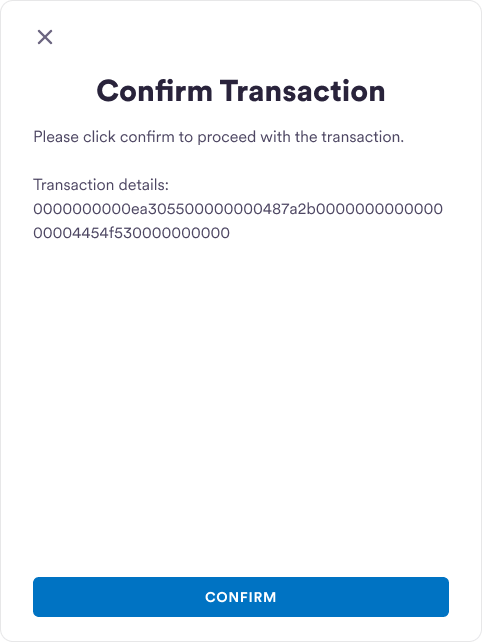
Sign Raw Transaction
Full UI Customization
To use your own UIs, you can opt out of Circle’s predefined confirmation UIs.- From the Circle Developer Console sidebar, select Configurator > Wallet Security Settings.
- Toggle the Confirmation UIs setting off to disable confirmation UIs.